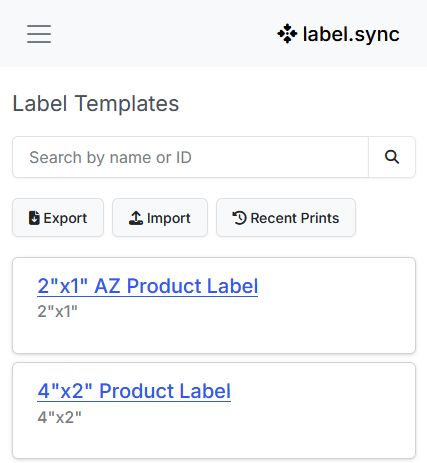
Catalog
Keep products and shared templates in one place so every station prints the same 2"x1" or 4"x2" layout.
Cloud labeling for manufacturers and distributors
Print product, shipping, and LPN labels from any station. Track every print. Connect your ERP or WMS through a REST API.
No desktop install. Print from any browser.
Label files and licenses sit on a single desktop. Another station means another install.
SKU, lot, and quantity get keyed in again. Mislabels and reprints follow.
When QA asks what went out, you cannot show who printed what, or when.
Catalog, print, track
label.sync is the system around the label: a product catalog, shared templates you print from, pack-station printing, and a print history you can search.
Keep products and shared templates in one place so every station prints the same 2"x1" or 4"x2" layout.
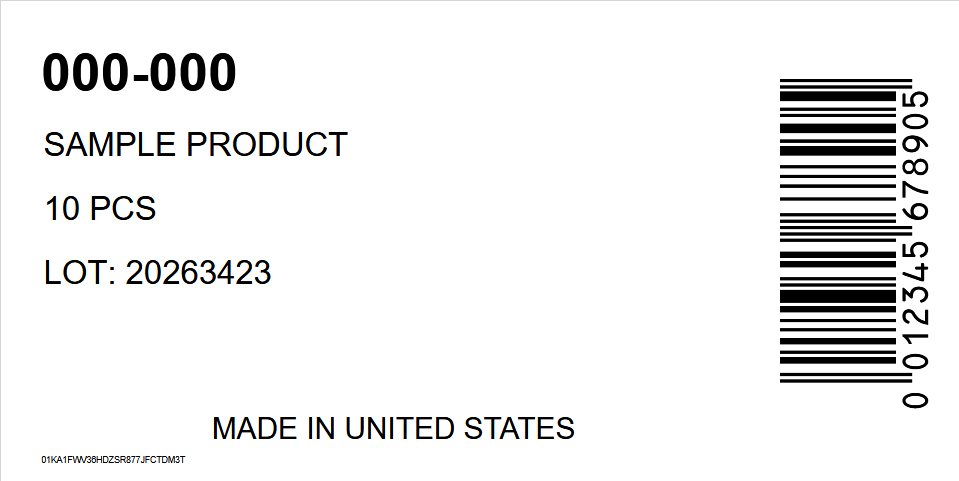
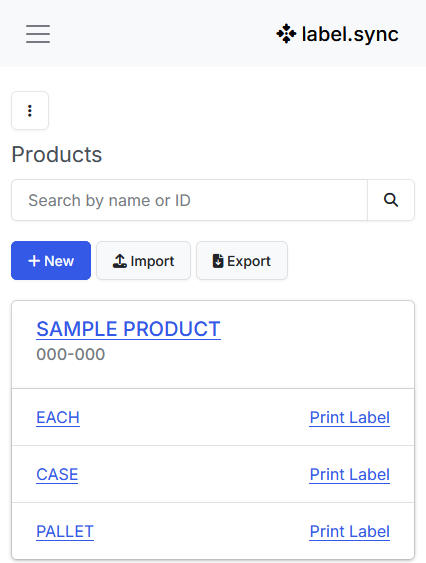
Print each, case, or pallet from the catalog at any pack station. No client to install, no license tied to one PC.
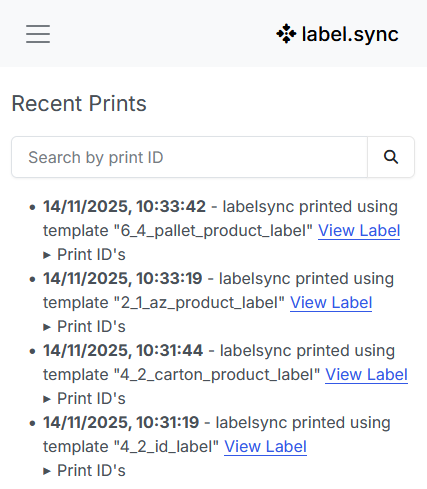
Search recent prints by time, template, and print ID when QA or a customer asks what left the dock.
What you can print
Keep SKU, lot, and pack hierarchy in a catalog so every unit label matches the rest of the line.
Print case and pallet labels from the same product record instead of a separate desktop file.
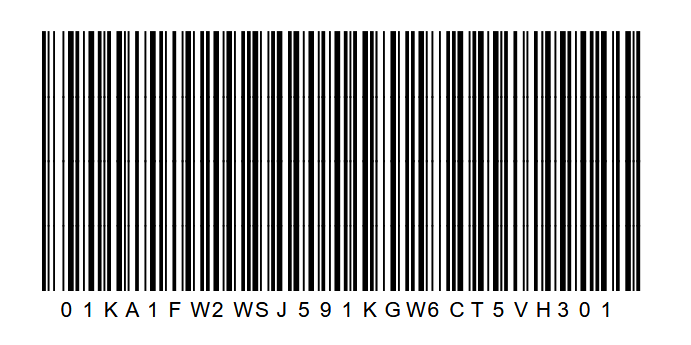
Generate unique license-plate barcodes for packages so tracking is not a handwritten ID.
Call a REST API from your ERP, WMS, or integrator to trigger prints. Works with NetSuite, Dynamics, SAP, or any system that can send HTTP.
We do not ship certified SAP or NetSuite connectors today. You or your integrator wire the API.
Time to first print
Sign up in the browser. Nothing to install on the pack station.
Bring in SKUs so labels pull from the catalog instead of a spreadsheet on someone’s desktop.
Start with sizes you already use, such as 2"x1" or 4"x2" product labels.
Print each, case, or pallet from the product record at the station that needs it.
When you are ready, trigger those same prints from ERP or WMS over REST.
Where label.sync fits
Use this if you are replacing workstation label software. If you need a global label management system with certified ERP connectors, that is a different product class.
| Desktop label software | label.sync | Heavy cloud LMS | |
|---|---|---|---|
| Install | Client and licenses per PC | Browser | Cloud project plus services |
| Multi-station | Tied to licensed PCs | Any station with a browser | Yes, after rollout |
| Print history | Often local or none | Built-in recent prints | Yes, with governance workflows |
| API | Varies, often an add-on | REST API you or an integrator wire to ERP/WMS | Certified connectors, longer timeline |
| Time to value | Hours to days per PC | Start in the browser today | Weeks to months |
Create an account, import products, and print from the browser. No plan picker on this page — start free, then talk to us if you want a walkthrough.
Start for free Request a 20-minute walkthroughTalk to us
Tell us how you print labels today. We will follow up at info@labelsync.net.